Starting from LabBook 3.6, the results delivery feature allows validated analyses to be quickly sent to patients via email or WhatsApp.
This action is subject to essential prerequisites to ensure security and compliance with patient consent requirements.
Sending results:
To be able to send analysis results by email or WhatsApp, the following is required:
- Log in as a biologist
- Obtain patient consent
- Have results already validated by the biologist
- Have delivery methods already configured by the root user
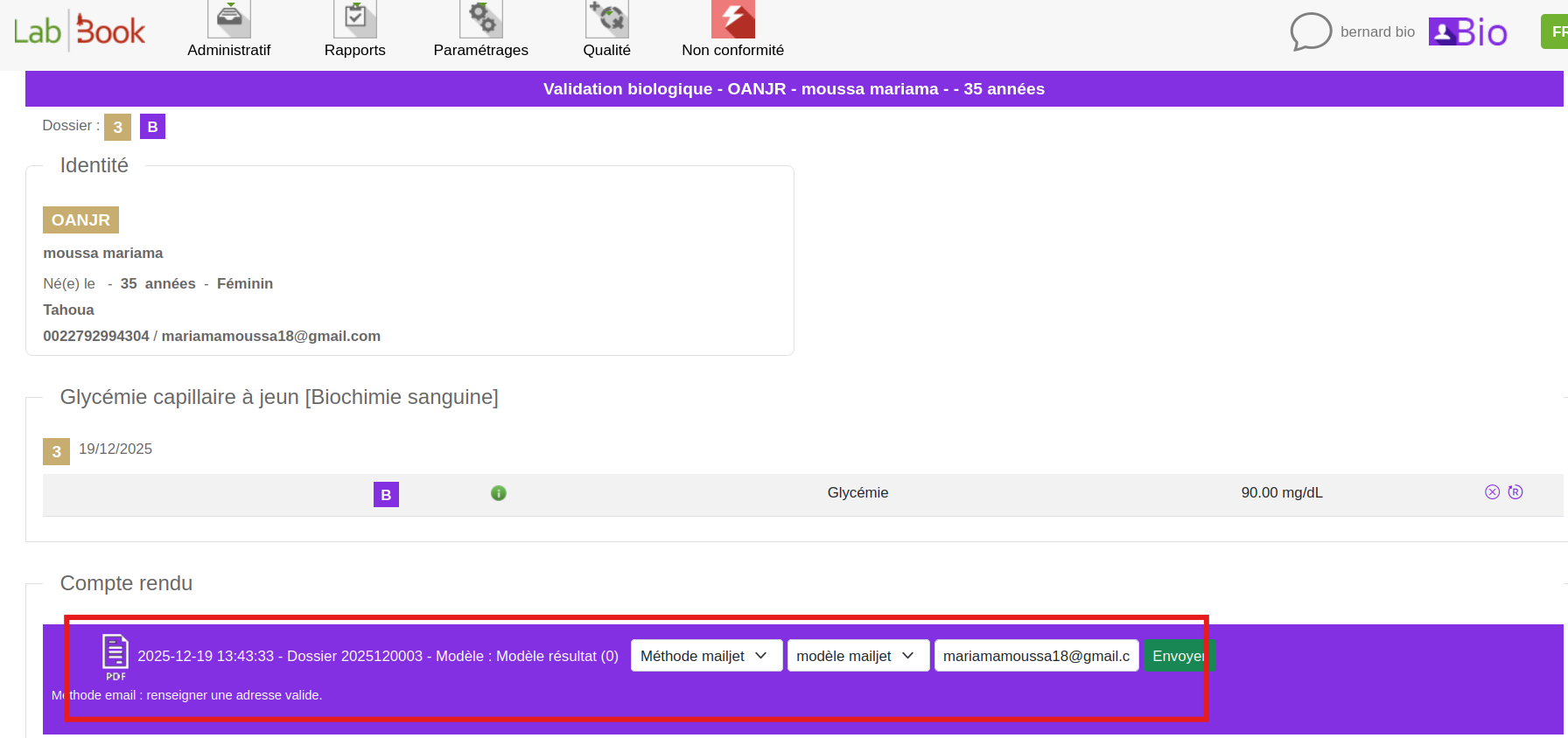
After the biological validation of patient results, the “Send” feature becomes available. It allows users to specify the delivery method, select the test results, and enter the recipient’s email address. It is possible to send the same test results to multiple recipients by updating the email address for each transmission.
List of Sends:
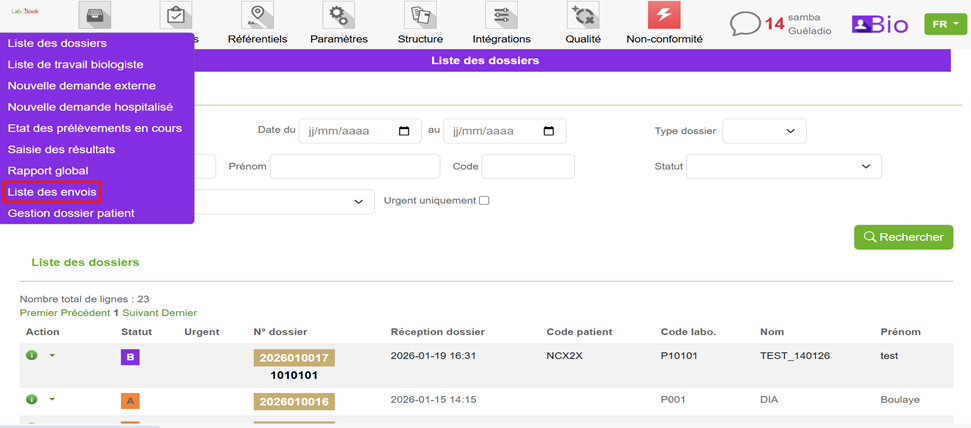
It is possible to view the list of all sent analysis results. To access it, click on the Administrative tab, then on List of Sends.
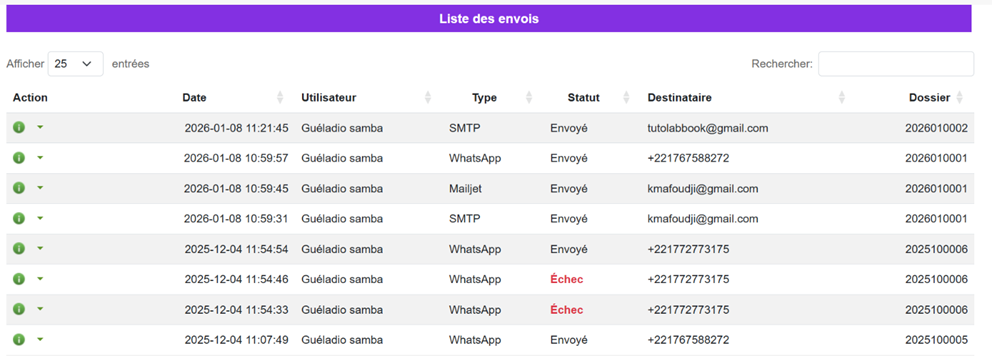
The summary table displays, in particular, the sending date, the user name, the type of sending (used method), the status (sent or failed), the recipient (email address or phone number), as well as the related case number.