
 From LabBook version 3.6 onwards, it is now possible to access a patient’s medical history.
This feature allows you to enter, for each test request, the patient’s symptoms and vital signs, along with the associated dates, and to display them later.
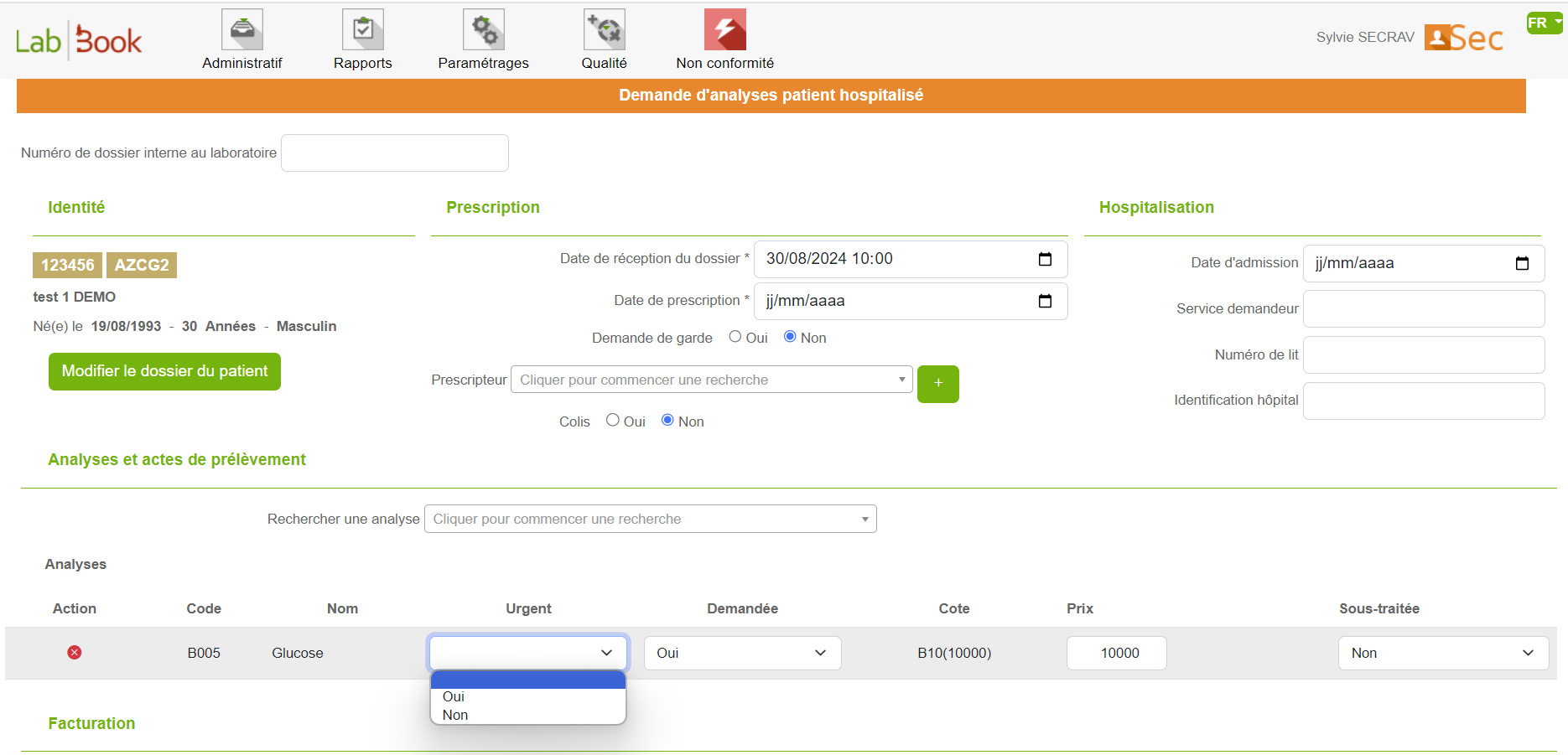
To access it, click on Administrative, then on New Request (external or inpatient), and finally on New Patient.
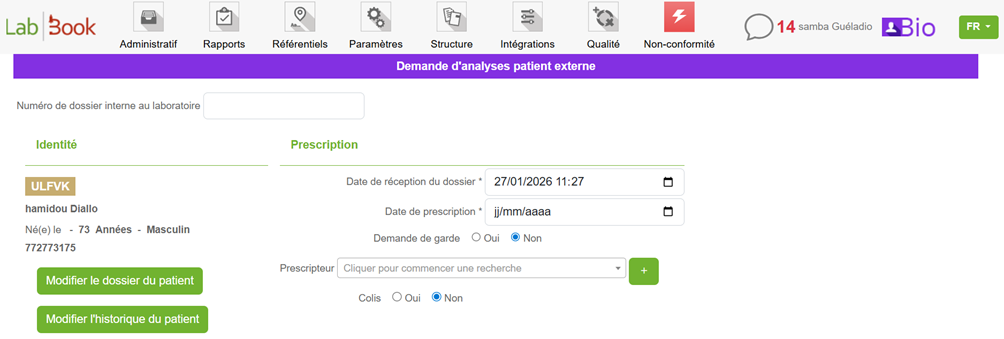
It is also possible to access it via the “Edit Patient History” option. To do so, click on Administrative, then on New Request (external or inpatient), search for an existing patient, and then select Edit Patient History.
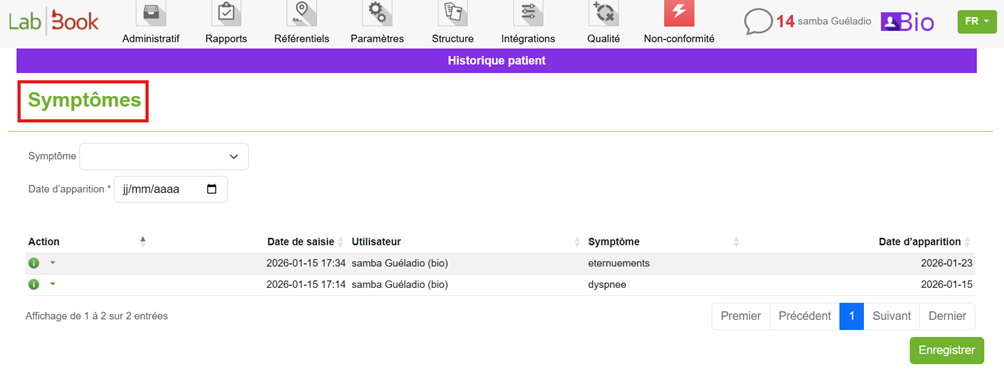
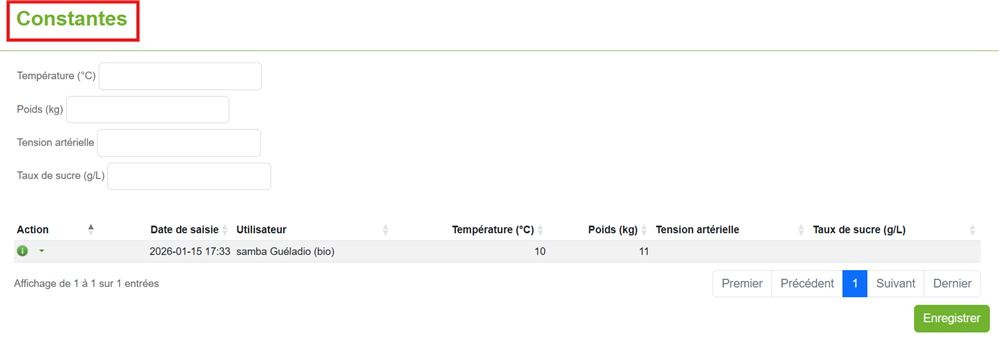
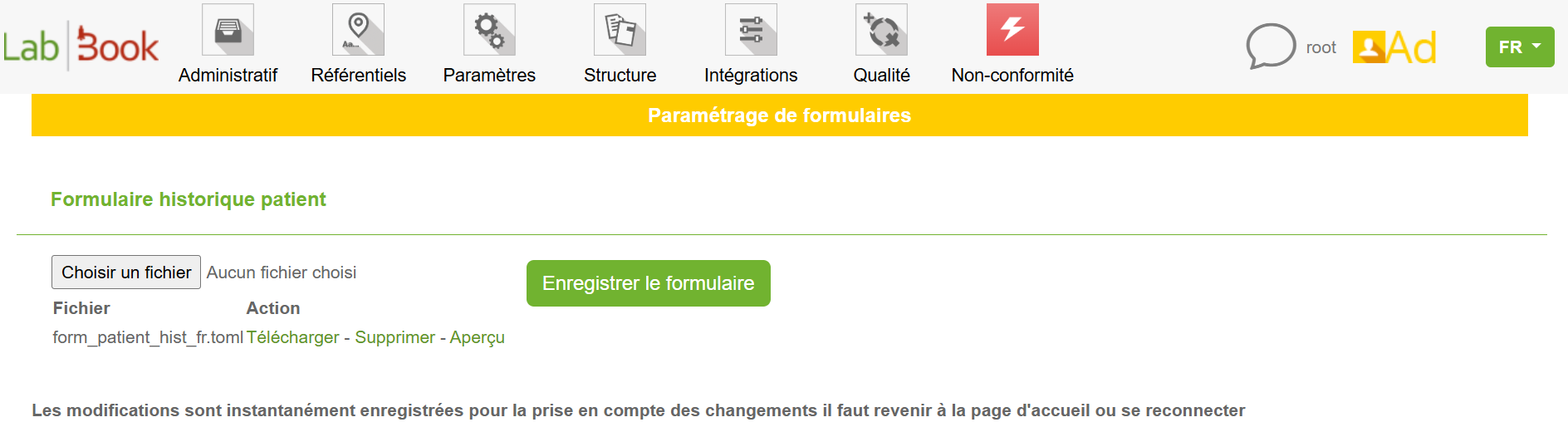
With the root profile, the patient history form can be modified and customized by adding a new form via the Structure menu, in the Form Configuration tab (refer to the manual Form Configuration).
Understanding the Patient Record History (Video)
 Speaker : Mafoudji KANDE
  Duration : 11'55 min
  Direct YouTube Link
 This video is in French. Enable subtitles to read the translation.